CASE STUDY
Internal Team File Structure
Creating a Scalable File Organization System for a Growing Design Team
MY ROLE
Lead Designer
TIMELINE
Four Months
TEAM
Five Designers and Lead Design Manager
KEY FACTOR
Internal Organization
The Challenge
As the design team at Stukent expanded from a single designer (me!) to a team of five, the existing file organization system no longer supported efficient collaboration. What began as a workable structure for a solo designer became difficult for designers, engineers, and stakeholders to navigate.
The lack of structure led to duplicated work, confusion around which files were the source of truth, and friction during engineering handoff. As projects increased in complexity and collaboration became more cross-functional, the need for a scalable organizational system became clear.
I led this initiative as both the designer and project manager, with the goal of creating a clear and consistent file organization system that improved collaboration, transparency, and efficiency across teams.
Key Problems Identified
Lack of Source of Truth
Designers, product managers, engineers, stakeholders often struggled to identify the most current version of a file.
Inconsistent Naming Conventions
File names varied across projects, making it difficult to quickly understand a file’s purpose or status.
Difficulty Navigating Design Files
Folders lacked a clear structure, making it time-consuming for team members to locate assets, explorations, or final designs.
Inefficient Engineering Handoff
Engineers sometimes struggled to find finalized designs, resulting in unnecessary back-and-forth during implementation.
Onboarding Challenges
New designers required additional time to understand how projects were structured and where work should live.
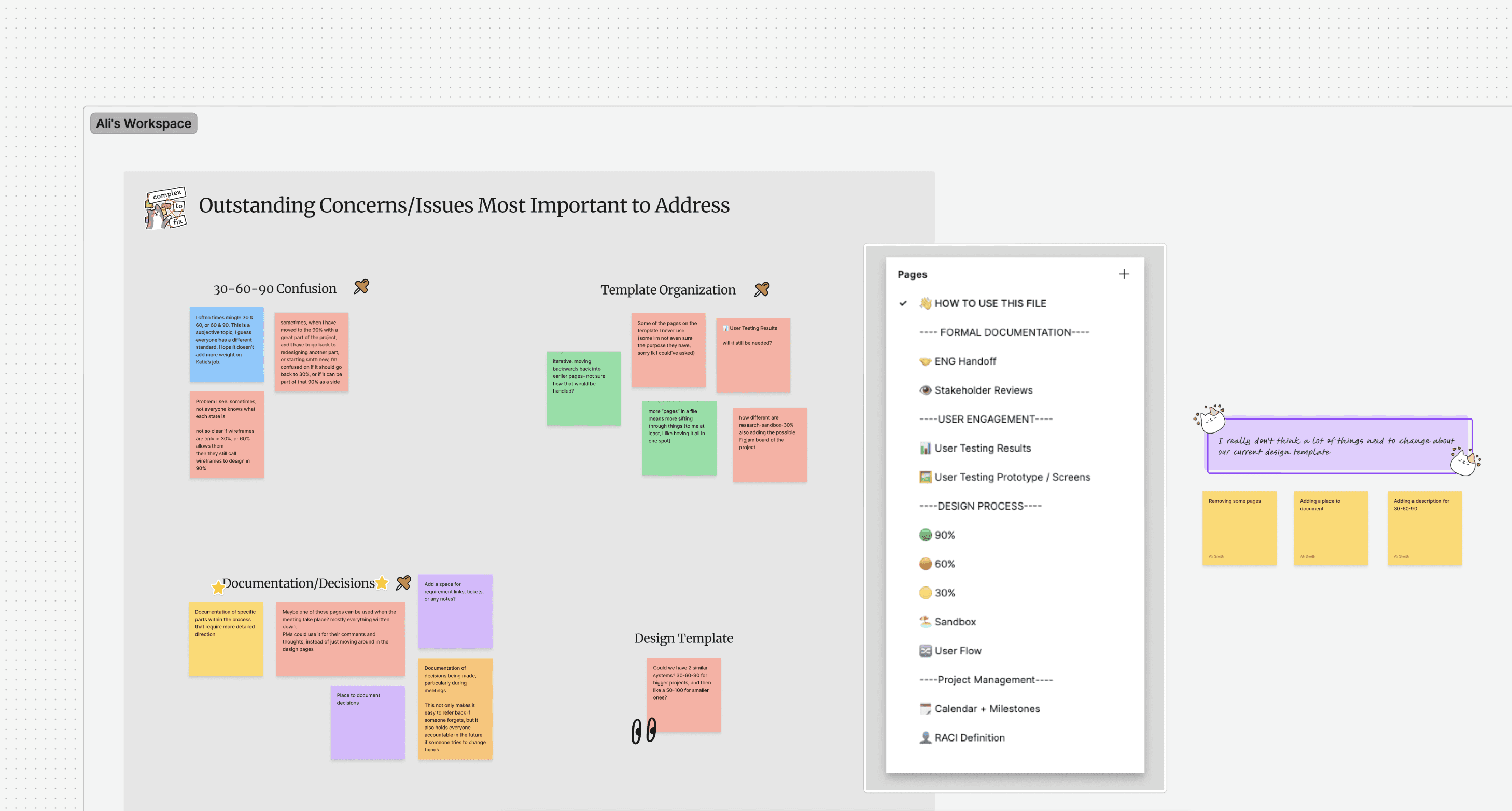
Research and Discovery | UX Audit
To understand the scope of the problem, I conducted discovery interviews with designers, engineers, product managers, and other stakeholders who regularly interacted with design files.
Common themes emerged during these conversations
Uncertainty around which file represented the latest work
Difficulty locating design artifacts for active projects
Inconsistent file naming that caused confusion
Lack of clear guidance for creating new design files
To supplement internal insights, I also reviewed design operations practices from larger product design organizations and studied how mature design teams structured their files and documentation.
This research helped identify patterns that balanced clarity, scalability, and flexibility while aligning with Stukent’s tools and workflows.
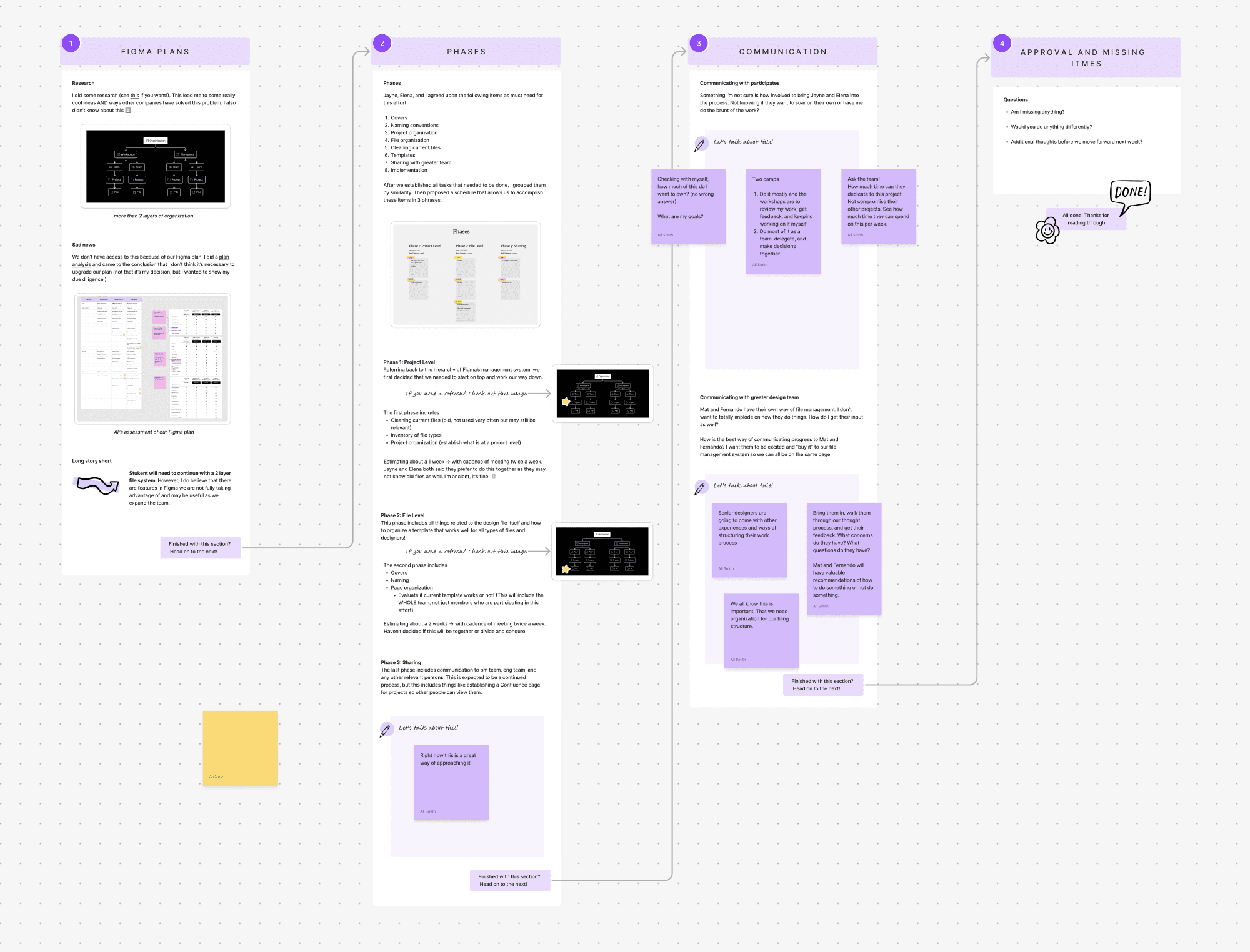
Design Process
STEP ONE
Gantt Chart
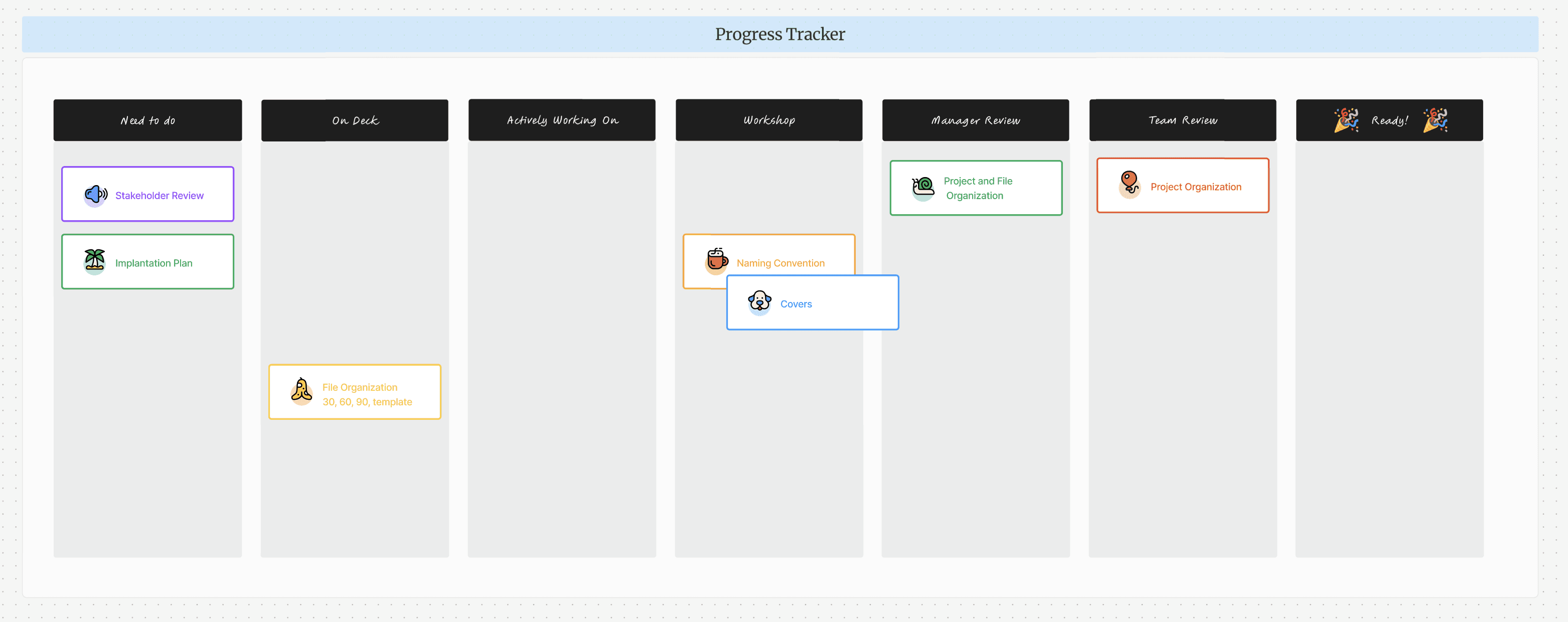
Rather than traditional interface wireframes, the early design process focused on mapping the structural architecture of the file system.
Proposed folder hierarchies
File naming conventions
How projects would move from discovery to final handoff
Where shared resources and archived work should live
These early structures allowed my fellow designers to review the proposed system and identify areas of friction before implementation.
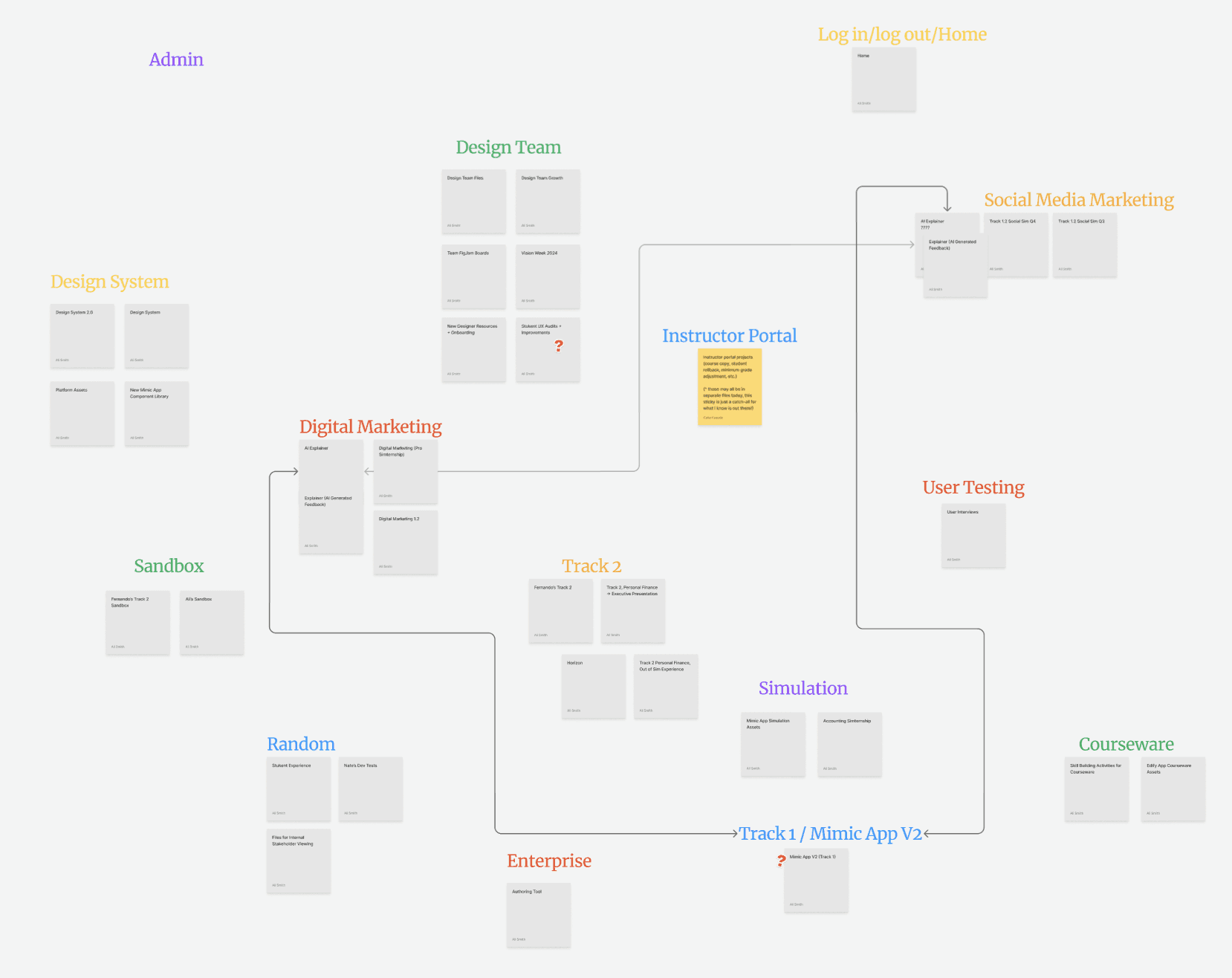
STEP TWO
Standardize Template and Documentation
Once the foundational structure was validated, I developed a more refined system that included standardized templates and clear documentation.
A consistent folder hierarchy for organizing projects
Standardized naming conventions that communicated project purpose and status
Pre-built templates for new design files
Defined sections for discovery work, flows, wireframes, and final deliverables
These templates helped ensure that new projects began with a consistent structure, improving clarity across the design process.

STEP THREE
Documentation and Walkthroughs
To validate the system in practice, I created documentation and walkthroughs that simulated how designers and stakeholders would interact with the new structure.
Example project files built using the new templates
Documentation outlining naming and versioning guidelines
Visual diagrams showing how teams should navigate the folder system
These artifacts acted as both implementation guides and training resources, helping the team adopt the new structure quickly.
Key Features and Solutions
Standardized Naming Conventions
File names clearly communicate project type, status, and ownership, reducing confusion across teams.
Structured Folder Hierarchy
A logical folder system makes it easy to find active projects, archived work, and shared resources.
Reusable Design Templates
Templates provide a consistent starting point for new projects and include predefined pages for discovery, flows, wireframes, and final designs.
Clear Source of Truth
Design artifacts now live in predictable locations, ensuring engineers and stakeholders know where to find final designs.
Improved Handoff Workflow
Engineers can quickly identify approved designs, reducing implementation friction.
Scalable System for Team Growth
The structure supports the continued growth of the design team and increasing product complexity.

Impact, Results, and Key Learning
This initiative demonstrated that design operations and internal systems are critical to scaling product teams effectively. Even small inefficiencies in workflows can create significant friction as teams grow.
The collaborative, feedback-driven approach ensured the final system addressed real-world workflows rather than theoretical organization.
By establishing shared conventions and templates, the team gained a common language around design files, improving both efficiency and collaboration across disciplines.
Reduced confusion around file ownership and versioning
Improved cross-functional transparency for product and engineering teams
Streamlined engineering handoff by establishing a clear source of truth
Enabled the design team to collaborate more efficiently across projects